
Did You Know?
We serve loans, the best way you can borrow
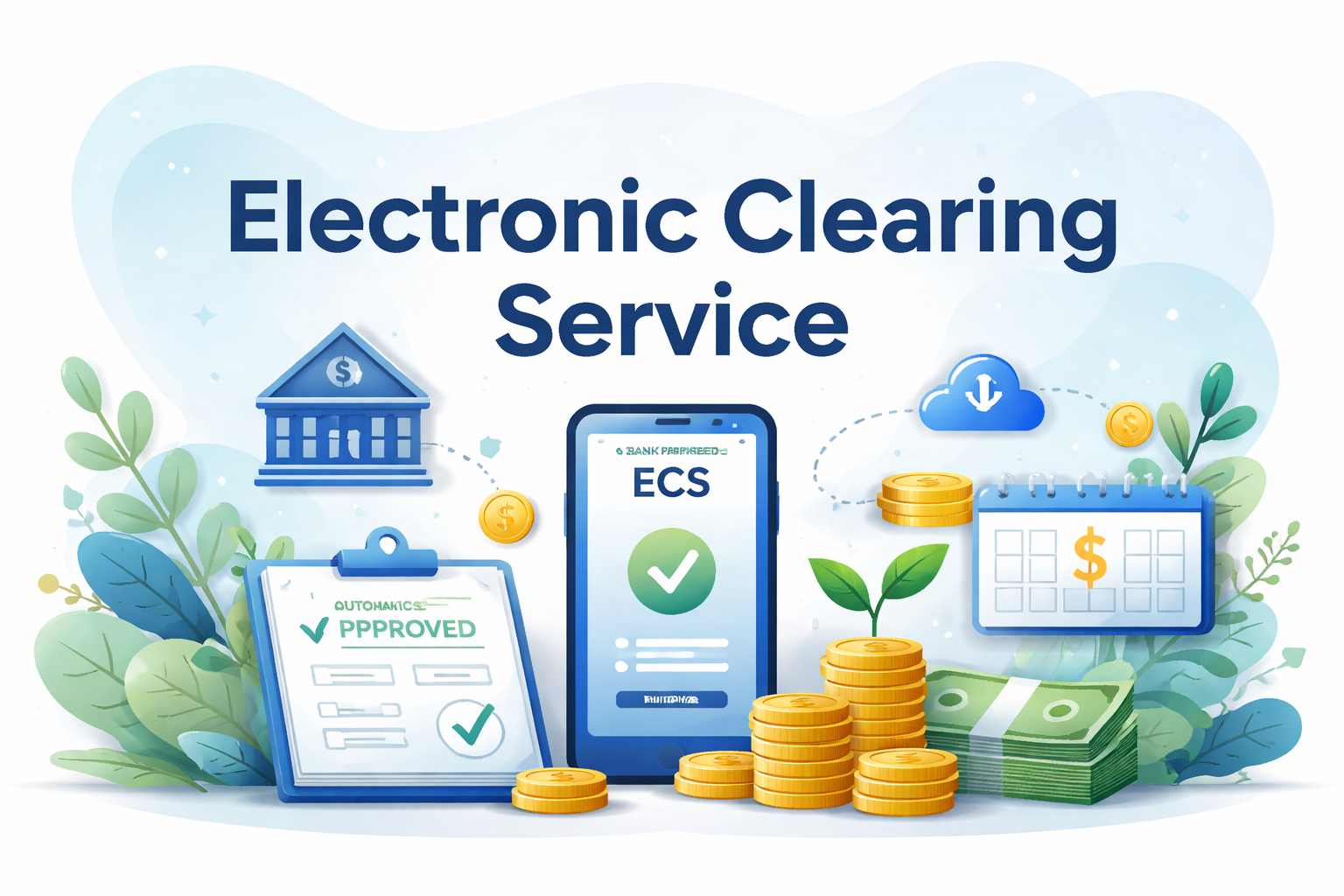

An electronic clearing service is a digital method that helps move money from one bank account to another without physical paperwork. Most banks use an electronic clearing service for high-volume, repetitive payments such as salaries, pensions, or interest disbursements. It effectively automates the process for large organisations. This saves them a massive amount of manual work.
While it often handles bulk transfers from a single source to multiple destinations, you can also use it for your individual bills. That includes paying for your electricity, your monthly loan installments, or your mutual fund investments. It essentially acts as a digital bridge between your account and the service provider, ensuring that money reaches the right place on time.
Check out lendingplate’s Personal Loan for Pensioners
The electronic clearing service system works in two distinct ways- ECS credit & ECS debit –
When an institution deposits money into your account, such as a salary or dividend payment, it is called an ECS credit. A single user account gets debited to pay out to many people at once.
Advantages of electronic clearing service Credit-
Institutions that need to make regular payments to many people use this. First, they register with a clearing house like NACH. They must get your consent before they can send you money this way. Once they have your details, the clearing house debits the company’s account on a fixed date and sends the funds to you.
Utility companies and lenders use ECS debit to collect money from you. Once you set this up, the service provider pulls the payment from your account automatically on a set date. It is a huge relief for you because you do not have to remember every single billing cycle.
To use this, you must sign a mandate. This gives the company legal permission to take a specific amount from your account. It is essentially a “set and forget” system for your recurring expenses.
Benefits of electronic clearing service Debit-
The business first gets your formal bank details and a signed mandate. They then send a request to the clearing house to pull the money. The bank checks your details and the amount before moving the funds from your account to the merchant’s. Both of you get a notification once the transfer is successful.
You can categorise electronic clearing service into three types depending on where the transaction is processed-
1. Local ECS – The RBI currently manages 81 local centres across India to handle these transfers.
2. Regional ECS – There are 9 regional centres operated by the RBI that cover larger geographical zones.
3. National ECS – This is the primary central hub located in Mumbai that handles nationwide transactions.
In the banking world, what is an electronic clearing service? It is basically a standing instruction you give your bank. You tell them to move money from your account to another at a specific time. Setting it up is quite simple.
You can actually set a maximum limit so the bank never takes more than a certain amount. If you change your mind, you can cancel the mandate through your mobile app or net banking.
The electronic clearing service setup provides several perks for you and your bank-
While there are many electronic clearing service advantages and disadvantages, you should be aware of a few hurdles –
1. Minimum Balance Need – You must keep enough money in your account. If the balance is too low, the payment fails & you might get hit with a fine.
2. Inflexibility in Account Changes – If you switch banks, you can’t just move the mandate. You have to cancel the old one and start from scratch (which is a bit of a faff).
3. Delayed Payments – Banks process these in batches. Sometimes it takes a day or two for the money actually to show up or leave.
4. Penalties – Both your bank and the company might charge you if a payment bounces due to a technical error or insufficient funds.
These are the small fees your bank might take for handling the digital transfer. Most banks keep these very low because they want you to use the digital system. Usually, the time you save is worth much more than the tiny fee.
If a transaction fails, the bank hits you with “return charges.” This usually happens if you don’t have enough money in your account or if your details are wrong. It is vital to track these so you don’t waste money on unnecessary penalties.
Setting this up is straightforward. Just talk to your bank and follow these steps –
If you need to stop a payment, you must tell the company or lender first. You usually need to write an application following their specific format. You also have to tell your own bank so they know not to let the money out of your account anymore. Don’t just empty the account (that leads to fees).
To get the most out of the system, follow these steps –
The system is safe, but you still need to be smart-
You might run into a few bumps, but they are easy to fix-
Here are the differences between NACH & ECS –
| Parameter | NACH | ECS |
|---|---|---|
| Mandate Verification | Provides a unique reference number for every transaction. | Does not offer unique transaction tracking. |
| Settlement Time | Very fast—usually cleared within 1 day. | Slower—can take 3 to 4 days. |
| Dispute Resolution | Has a formal system for resolving errors or disputes. | No built-in mechanism for quick dispute resolution. |
| Operating Model | Modern, fast, and highly accurate system. | More manual process, which may cause inefficiencies. |
| Rejection Rate | Low rejection rates. | Higher rejection rates. |
The electronic clearing service is a fantastic tool for managing your finances without the stress of manual payments. The electronic clearing service meaning might sound technical. However, it means automating your life. This not only saves time but also prevents late fees while keeping your records tidy. Just ensure you keep enough balance in your account to avoid penalties.
Also Read: NACH Mandate
The electronic clearing service is a digital pathway that lets banks move money between accounts automatically. Instead of using paper cheques, the system uses electronic instructions to process bulk payments, like salaries, or individual payments, like your monthly bills. It speeds up the entire banking process and reduces the risk of human error during money transfers.
A great example is when you have an instant personal loan and need to pay your EMI every month. Instead of going to the bank, you set up an ECS mandate. On the 5th of every month, the bank automatically takes the money from your account and pays the lender. You don’t have to do a thing.
In India, the two main systems are ECS (the older version) and NACH (the newer, faster version). Both serve the same purpose of clearing digital transactions. The electronic clearing service is still used. However, most banks are moving toward NACH because it is quicker and handles transactions more effectively than traditional local or regional ECS setups.
Usually, large institutions such as government departments, private companies, or banks initiate ECS Credit transactions. They use it when they need to pay out money to hundreds or thousands of people at once. As an individual, you are usually the recipient of these credits (like receiving your monthly salary or a tax refund directly into your bank account).
Technically, the RBI does not set a fixed upper limit for ECS Credit transactions unless a particular bank’s policy specifies one. However, the organisation sending the money might have its own internal limits. You should check with your specific bank branch if you are expecting a very large transfer to see if any special documentation is required.
You can use it for almost any recurring payment. Common examples include utility bills (water and electricity), insurance premiums, and SIPs for your investments. It is also the standard way for companies to pay out dividends to shareholders. Basically, if it’s a payment you have to make or receive regularly, you can use this service.
You need to fill out a mandate form provided by your service provider or bank. You’ll provide your account number, MICR code, and the amount to be debited. Once you sign this, your bank verifies the signature. They then register the instruction, and the payments will start happening automatically from your account on the dates you chose.
Yes, you can stop it whenever you like. You just need to give a written notice to both the company receiving the money and your own bank. Most banks now allow you to do this through their online portals or mobile apps. Just make sure you do it well before the next payment date to avoid any last-minute debits.
A beneficiary can request changes to your bank account details where they get the money. You would need to inform the organisation that pays you. Take the example of the employer or the insurance company. They will update their records so that the next payment is sent to your new account. You cannot change the amount they send you.
Download our personal loan app to apply for a personal loan. Get up to 2Lakhs* as a personal loan. Download Now!


Sign into avail a personal loan up to ₹ 2,50,000

Unifinz Capital India Limited is a Non Banking Finance Company (NBFC) registered with the Reserve Bank of India (RBI). lendingplate is the brand name under which the company conducts its lending operations and specialises in meeting customer’s instant financial needs.















 RBI CMS
 RBI Sachet


