
Did You Know?
We serve loans, the best way you can borrow
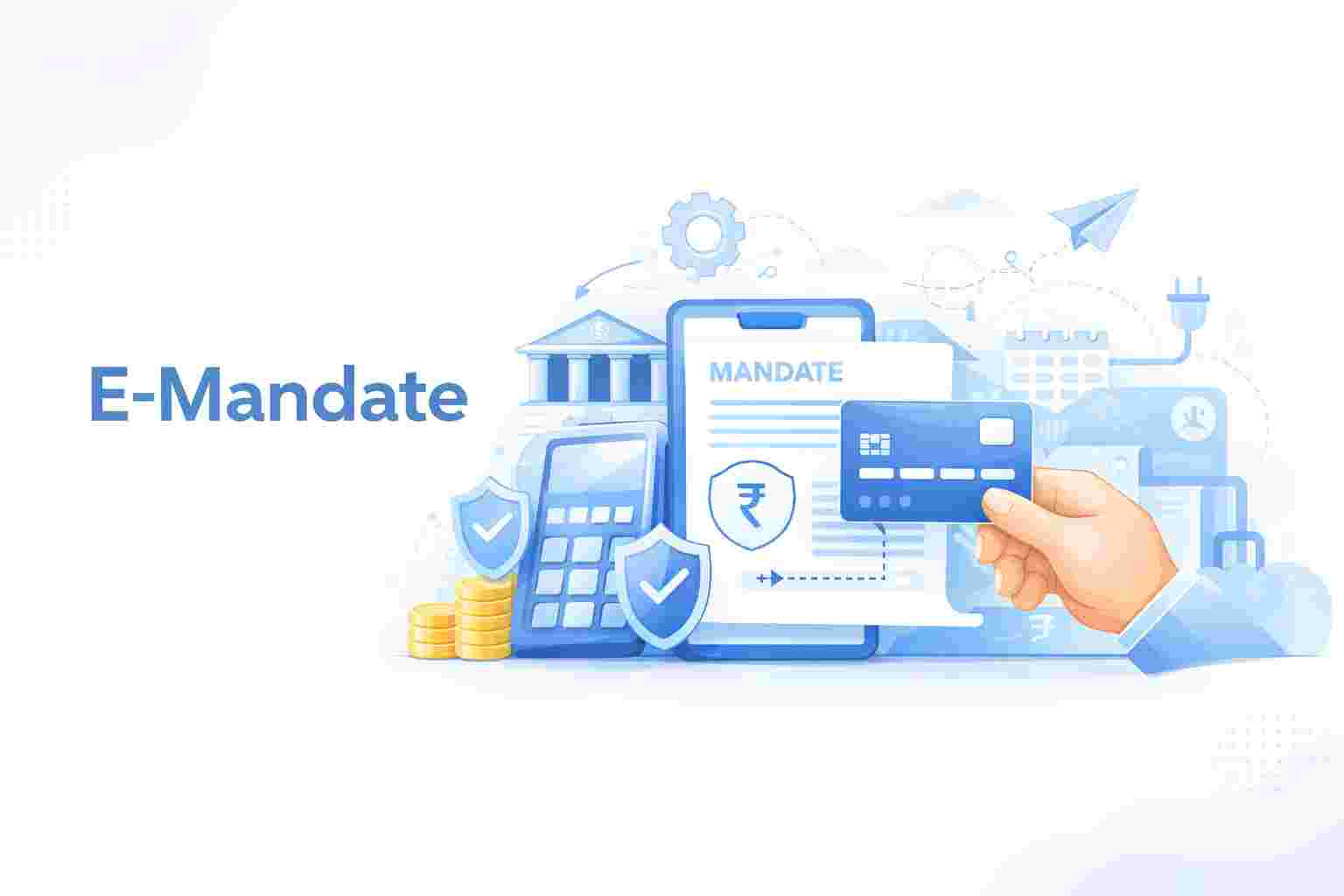

What is an e-mandate? Simply put, it is a digital authorization you provide to your bank. It allows a service provider to withdraw money from your account on a fixed schedule. You essentially give a digital “thumbs up” to automate your payments. It removes the old requirement for physical signatures or visiting a bank branch.
Using an e-mandate makes your financial life much more efficient. It handles everything from your instant personal loan EMIs to your monthly electricity bills and even your Netflix subscription.
The system splits into two main paths depending on where the money goes –
1. Credit E-Mandate – This is for the money coming to you. If you run a small firm, you can have payments from clients sent straight to your account. You can also use it to collect monthly interest from a Fixed Deposit. It ensures your earnings arrive without you having to chase them.
2. Debit E-Mandate – If you have a loan or a monthly SIP, you already use this. Here, you agree to let a specific amount leave your account on a set date. A debit e-mandate is the best way to ensure you never forget a bill.
Using this system brings several wins to your daily routine –
Also Read: NACH Mandate
You need to check if you qualify before you start. The e-mandate registration process requires –
Checking these points is as vital as checking the eligibility criteria for personal loan apps before you apply for credit.
Just like the documents required for personal loan sets, having these ready makes the digital journey much faster –
To set one up, you just follow these quick steps –
Step 1- Choose a merchant or lender that uses digital lending or e-payment tools.
Step 2- Fill in your banking details on their secure portal.
Step 3- Confirm the setup by entering an OTP or using your net banking login.
Once you finish, the service provider can start the auto-debits as per your agreement.
Here’s what e-mandate means in terms of the working process –
Here are a few use cases of e-mandate –
The following are the top industries that have adopted e-mandate –
1. Lending Industry
Lenders use this to make sure they get EMIs on time. It saves them from calling you every month. For you, it means no bank visits and a better credit score because you never miss a payment.
2. Wealth Management
Investment apps use e-mandate registration for SIPs. Once you give the nod via your debit card or net banking, your money is invested every month without you doing anything.
3. Life Insurance
Insurers use it to collect premiums. You can set the date right after your salary arrives. It keeps your policy active and gives you peace of mind.
4. NGOs & Charity
Many NGOs now use these mandates for monthly donations. If you sponsor a child or a pet, the money goes out on time every month without you needing to remember.
Yes, it is completely safe. The system follows strict RBI guidelines for e-mandate to protect your money. Every setup requires an OTP that only goes to your registered phone. This ensures that only you can give permission for money to leave your account.
You can check this easily through your bank’s mobile app or net banking. Look for a section called “Mandates.” You will see all your active instructions there. It shows who you are paying, the maximum limit, and when the instruction expires.
There is no limit on how many different mandates you can set up. You can have one for your loan, one for your gym, and another for your bills. However, the bank might have a daily total limit on how much money can move out.
There is no fixed minimum. It depends on what you are paying for. If your bill is just ₹100, you can set an e-mandate for that. It is very useful for small, regular expenses that you don’t want to track manually.
For most transactions, the limit is ₹1,00,000. But for things like insurance or loan payments, the RBI has allowed higher limits. You should check what e-mandate registration limits are at your specific bank to see their current maximum is for your account type.
If your balance is too low, the payment will fail. Your bank might charge you a penalty fee for the failed debit. The merchant will also see the payment as “unpaid,” which might lead to service breaks or late charges from their side.
Most banks do not charge you to register. However, some might have very small e-mandate charges for the initial verification process. You should check your bank’s fee schedule. It is usually much cheaper than the cost of missing a payment deadline.
The setup is very fast. If you use your debit card or net banking, it usually reflects in the system within a few minutes to a few hours. Once the bank confirms your OTP, the mandate is ready for the next billing cycle.
You have full control, so log in to your net banking and select the “Manage Mandate” option. From there, you can stop or delete any active instruction. Knowing how to cancel e-mandate steps ensures you only pay for what you want.
If you need to stop a single payment, you should cancel the mandate at least a few days before the due date. You can also contact the merchant directly to pause your service.
Download our personal loan app to apply for a personal loan. Get up to 2Lakhs* as a personal loan. Download Now!


Sign into avail a personal loan up to ₹ 2,50,000

Unifinz Capital India Limited is a Non Banking Finance Company (NBFC) registered with the Reserve Bank of India (RBI). lendingplate is the brand name under which the company conducts its lending operations and specialises in meeting customer’s instant financial needs.














 RBI CMS
 RBI Sachet


